Requirements
Part 1
- Develop an idea for a concept art piece that can be used for a movie, animation, game, or any other art form.
- Look for inspiration on ArtStation.
- This is a three-week-long project. You will submit each week based on the assigned phase.
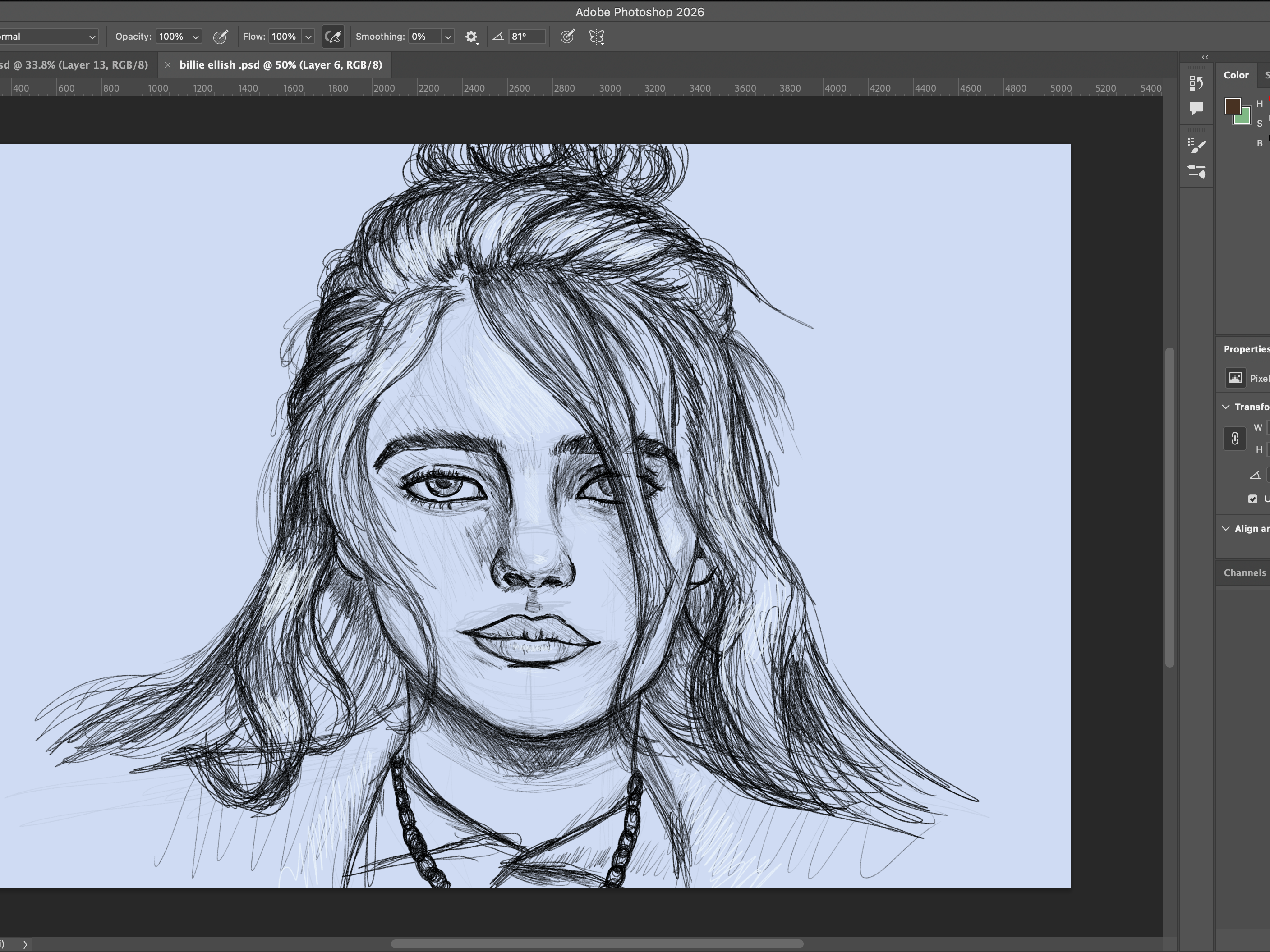
- Create a pencil or charcoal drawing with detailed elements.
- As an extra, turn the drawing into an animated short video with a maximum length of 15 seconds.
- Focus on concept development and creation.
- Choose a tabloid layout in either landscape or portrait orientation.
- Ensure the resolution is 300 pixels per inch.
Applications
Photoshop
Procreate
Description
Part 1
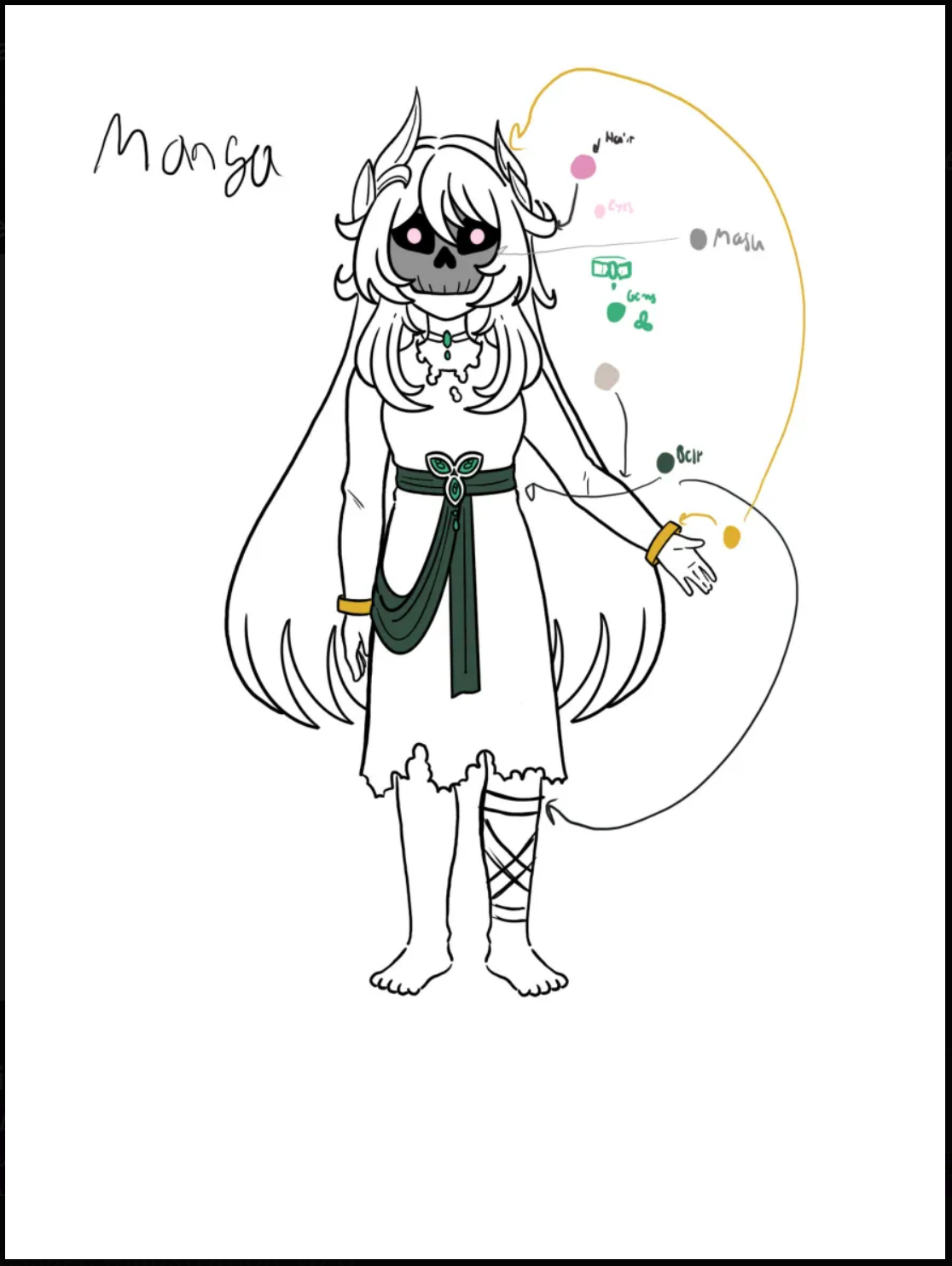
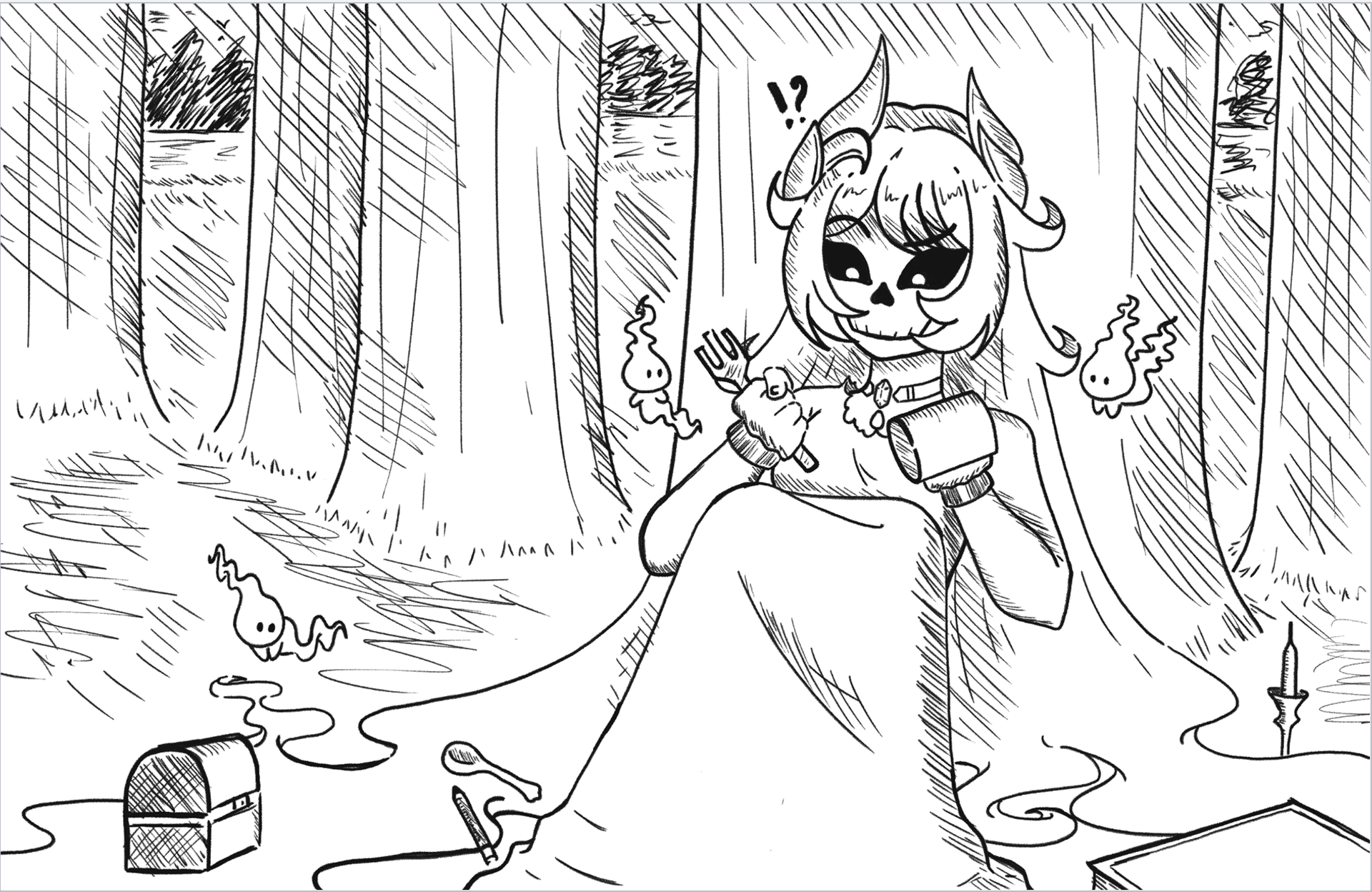
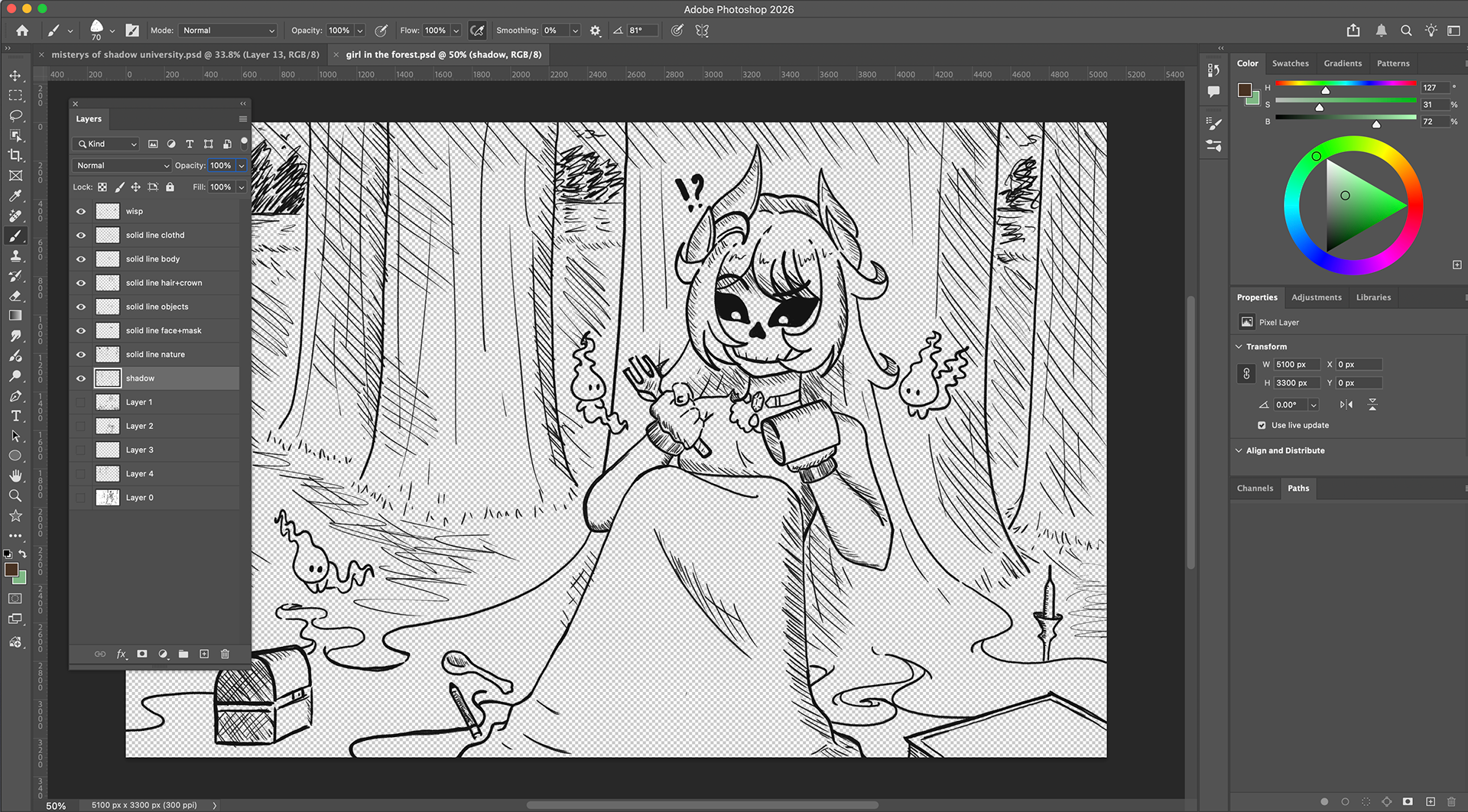
For this project, I first created a rough sketch of my character, who is a girl with a skull mask that lives in the woods with nature and its spirits. Once the concept was created, I then went to Photoshop and selected the charcoal brush to map out the design. After outlining the body, trees, and other objects and spirits, I created a new layer to start sketching the details of the character and background. Once the sketch was completed, I created another layer to develop the solid line art of the design.
Phase 2
- Inking and great details
- Create an animated short with a maximum duration of 15 seconds
- Concept development and creation
- Choose tabloid layout: landscape or portrait
- Set resolution to 300 pixels per inch
Phase 3
- Painting
- Create a 15-second animated short video.
- Focus on concept development and creation.
- Choose either a landscape or portrait orientation.
- Use a resolution of 300 pixels per inch.
Part2/3
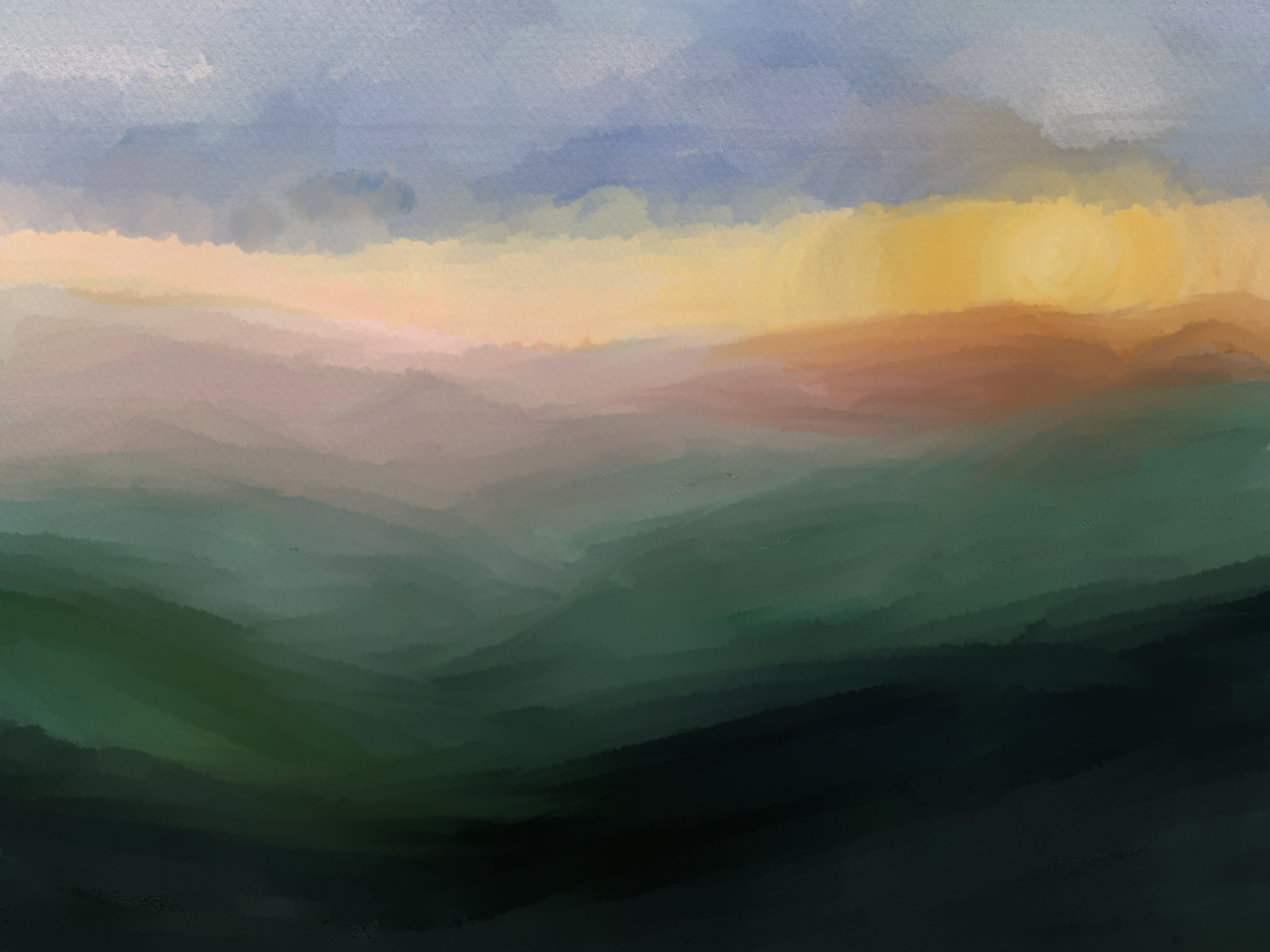
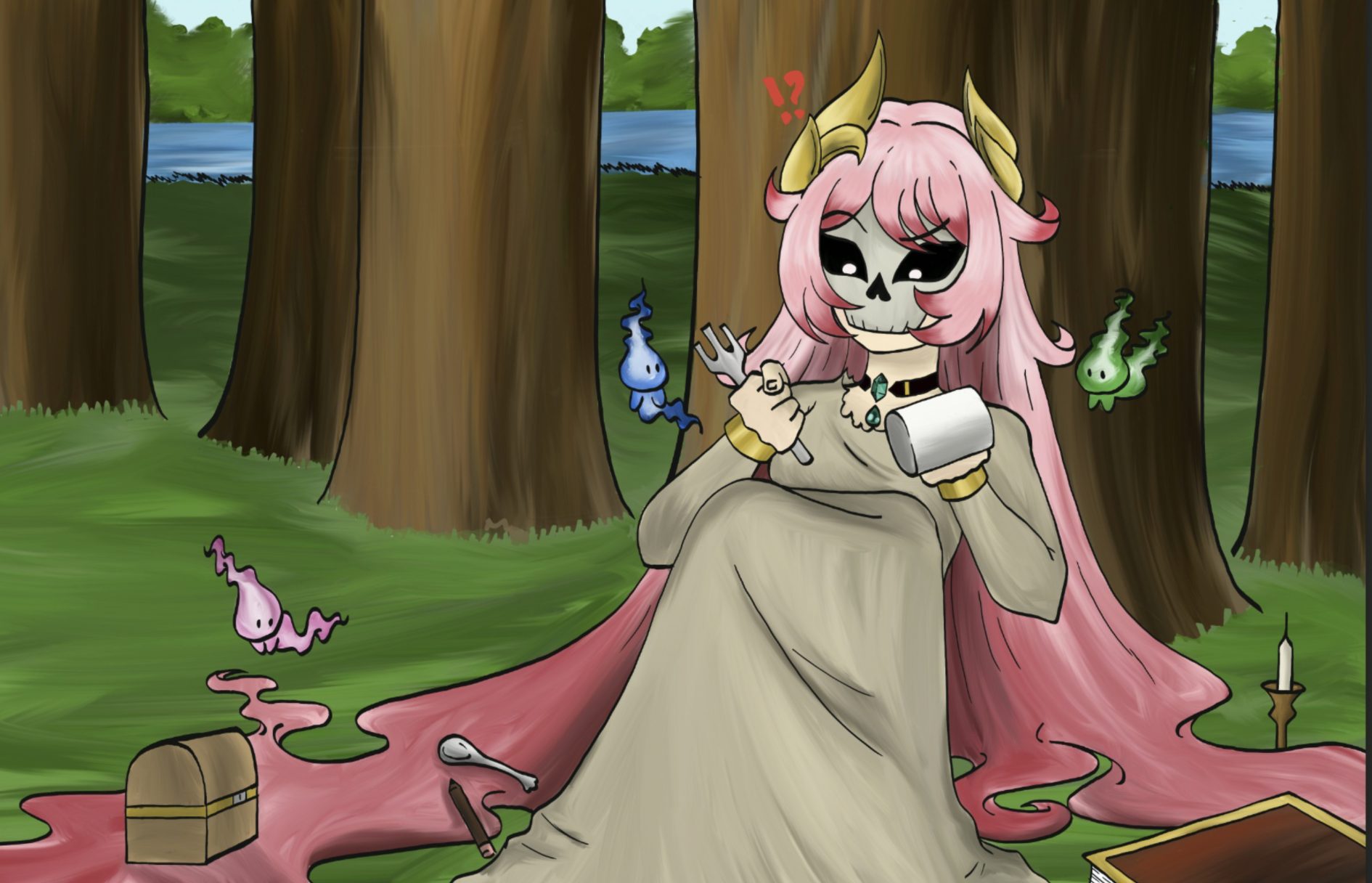
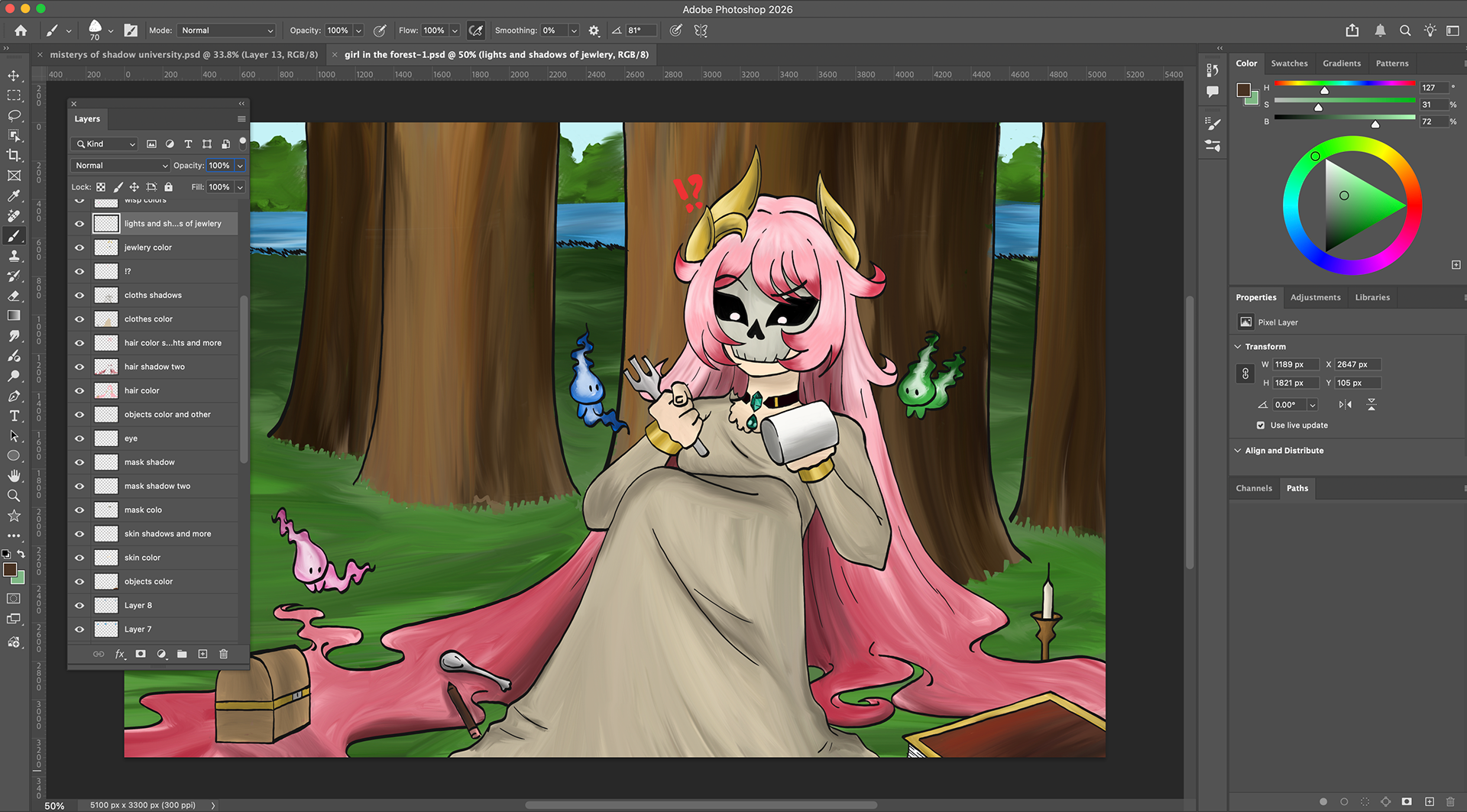
In part two, lights, shadows, and other colors were added to create depth. Various brush tools, as well as the smudge tool, were used to give the piece a painterly and artistic look.
early concept art