Requirements
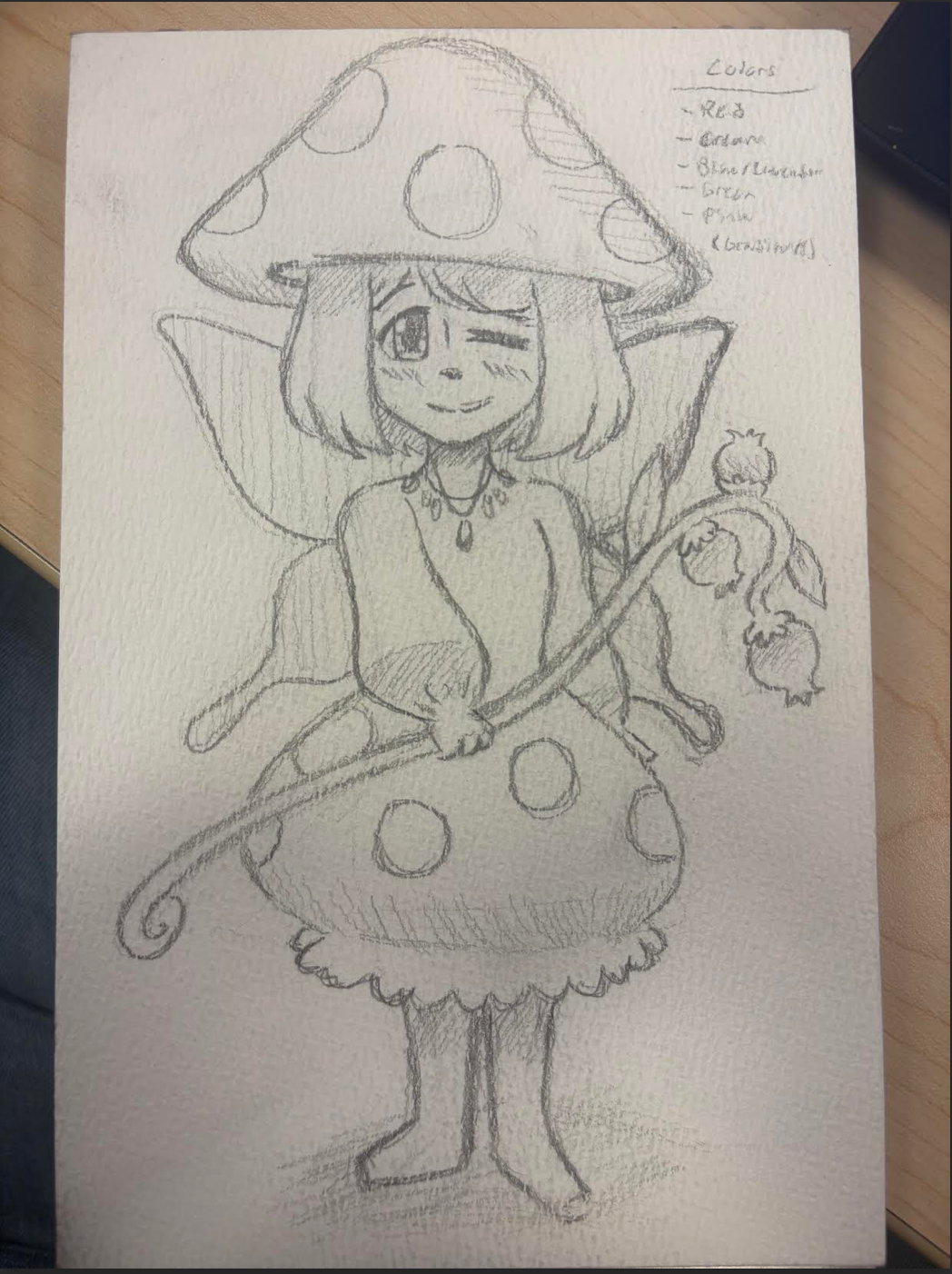
- Develop an original character as a concept.
- Create a high-resolution line work style image of the character.
- You can use Photoshop, an iPad, or paper for drawing.
- Alternatively, you may use something you developed earlier.
- Trace the image in Illustrator to convert it into intricate vector graphics.
- For tracing, utilize:
- Pen - Pencil
- Curvature tool
- Stay organized with layers and groups.
- Choose a tabloid format (landscape or portrait).
- Set the resolution to 300 pixels per inch.
Applications
Illustrator
Description
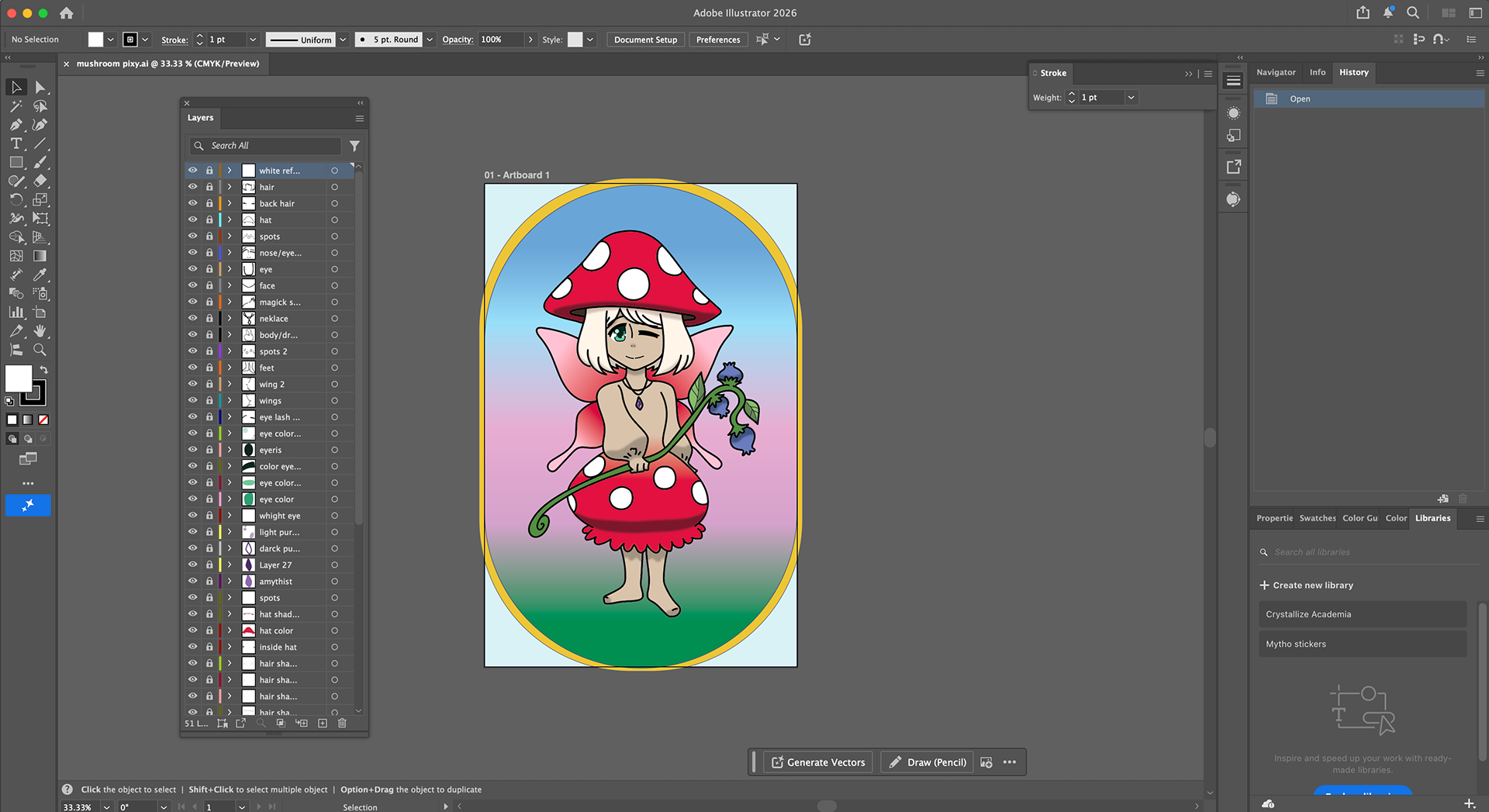
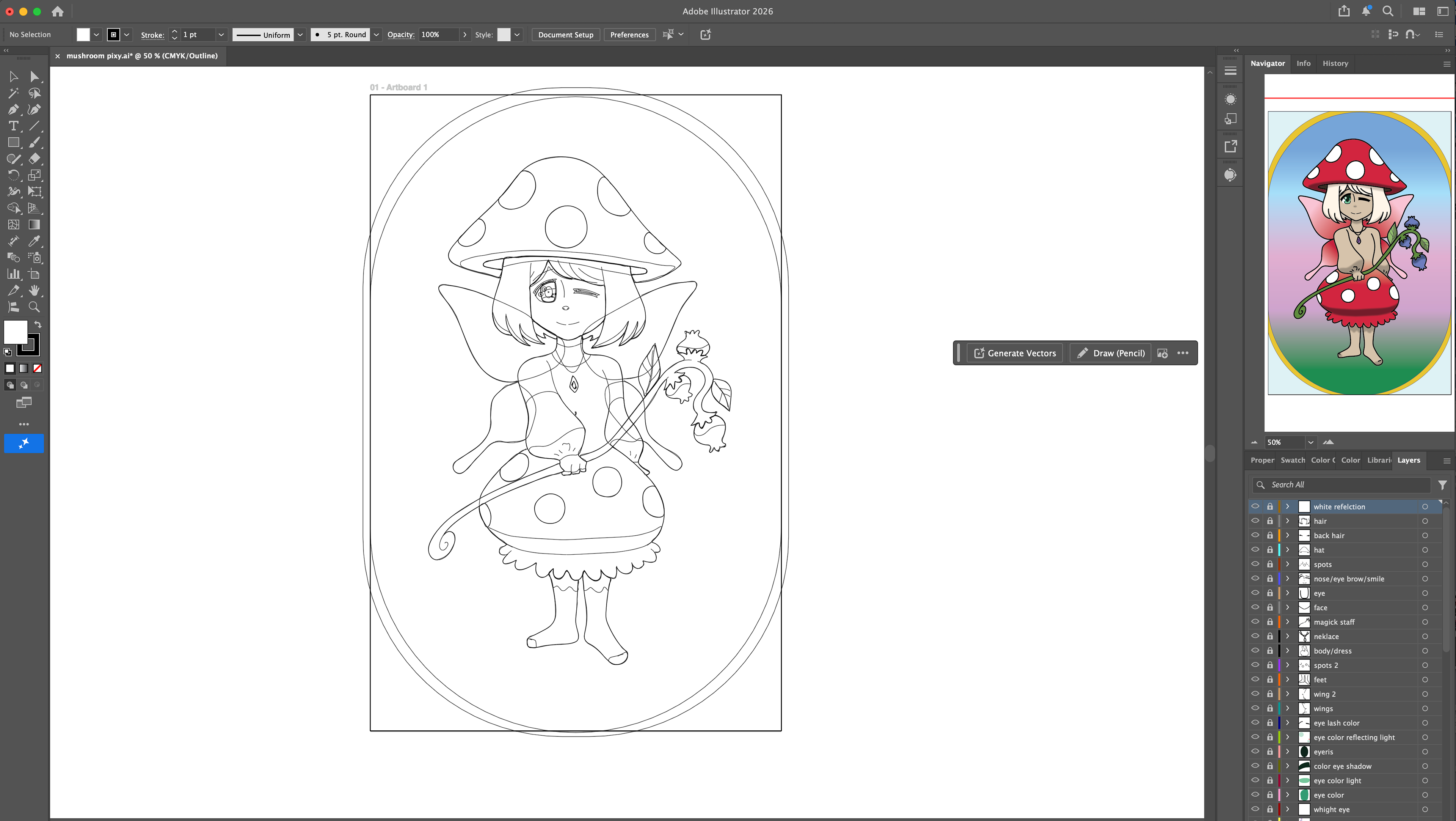
For this project, I first sketched a mushroom pixie and then transferred the image into Illustrator. I lowered the opacity of the image and, on a separate layer, started tracing the sketch using the Pen Tool. Once the line art was complete, I created separate layers underneath it to add color. I used the Curvature Tool to create color shapes for the solids, shadows, and highlights. For the background and the dress, I applied a gradient effect using the Color panel. After finishing the background, I went back to each shadow and added a Gaussian Blur to create a 3D look. I did this by going to Effects, then Blur, and selecting Gaussian Blur. Finally, I adjusted the strength of the blur to achieve the desired effect.
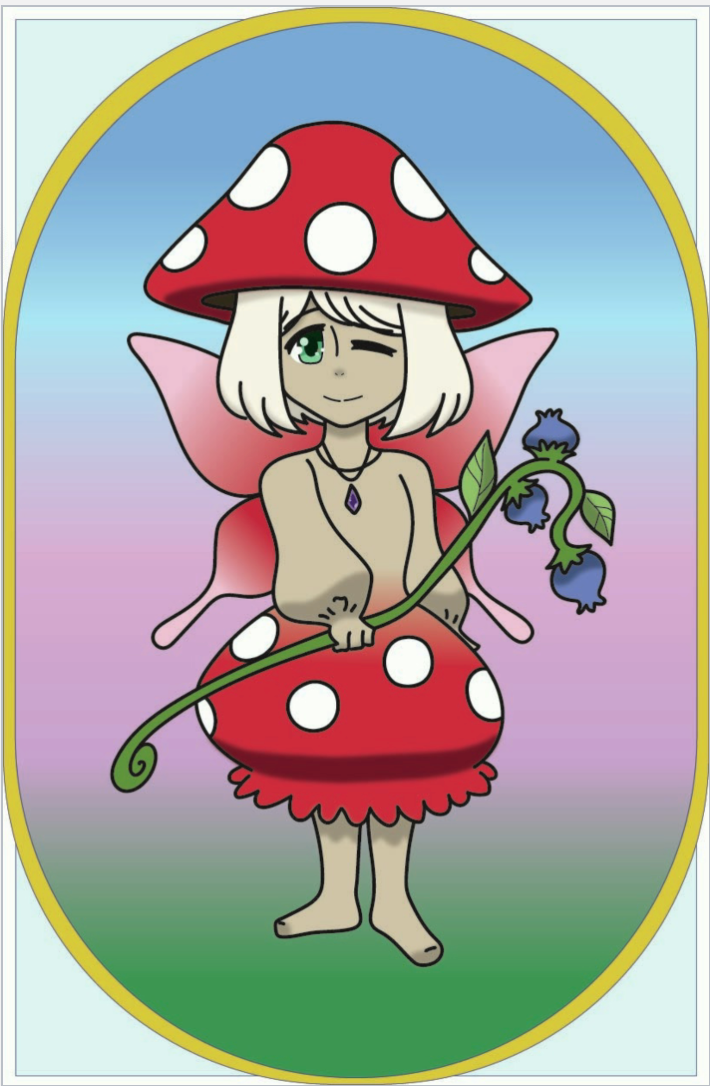
Early concept art