Requirements
- Abstract art does not attempt to represent external reality but seeks to achieve its effect using shapes, forms, colors, and textures.
- Create an abstract artwork using the following tools:
- Intertwine
- Blend Tool
- Symbol Spray Tool
- Aim to create the illusion of motion and dynamics.
- Choose a tabloid format (landscape or portrait).
- Set the resolution to 300 pixels per inch.
- Utilize the following styles:
- Paragraph styles
- Character styles
- Incorporate logos and graphic elements from Illustrator.
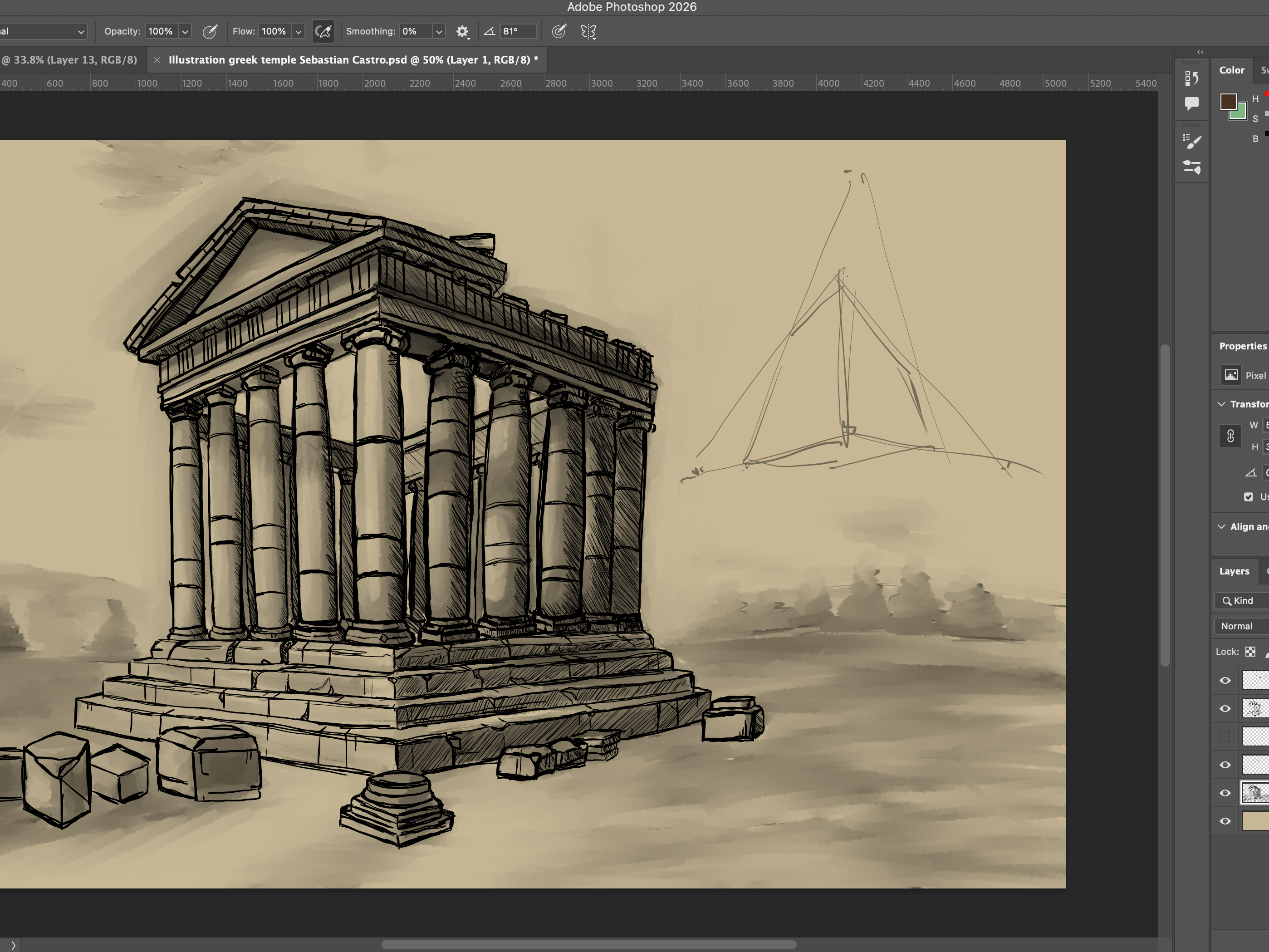
- Edit photos in Photoshop before adding them to your artwork.
- Include multiple text boxes and fonts in InDesign.
- Stay organized by using layers and groups.
Applications
Illustrator
Description
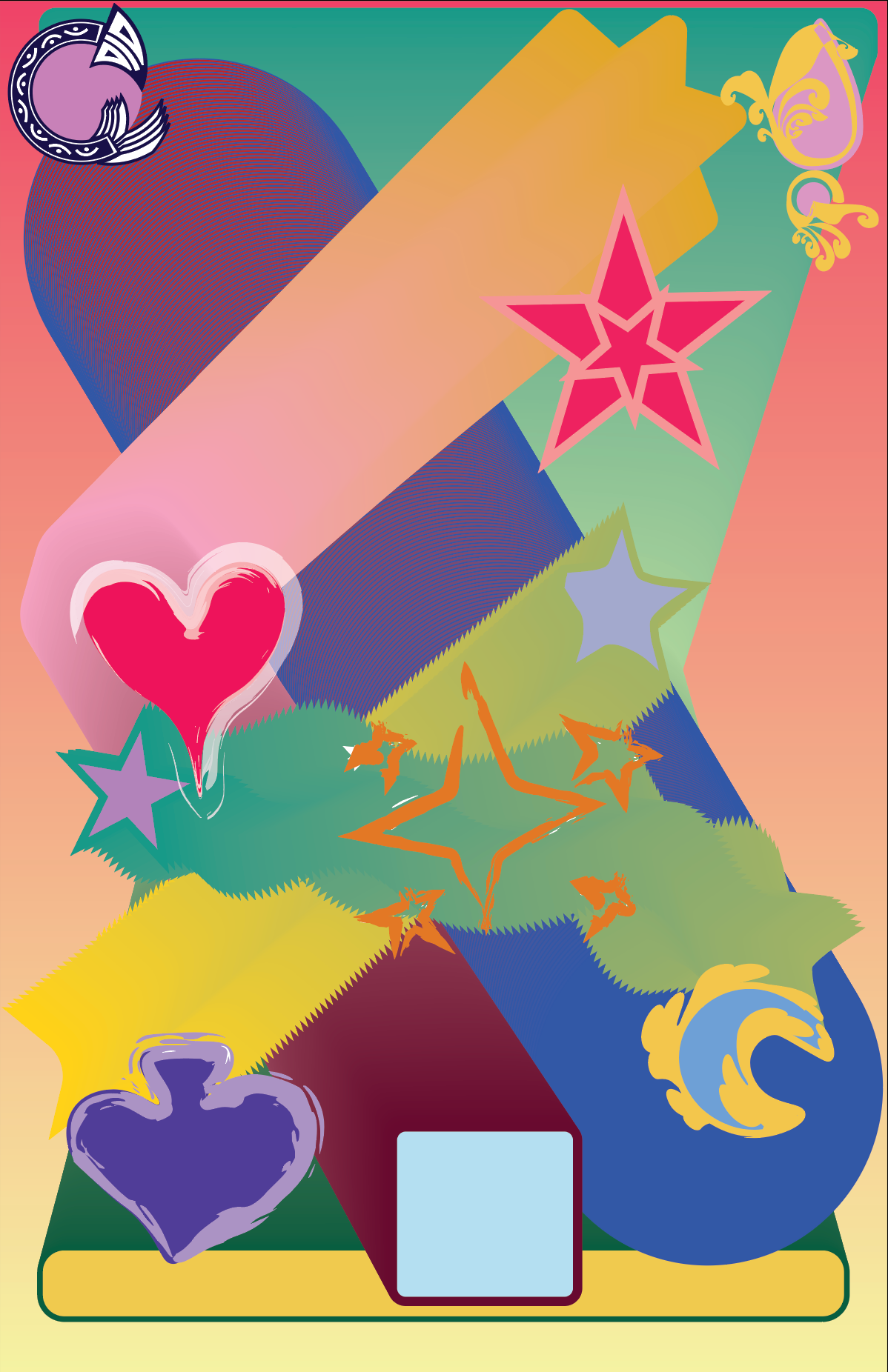
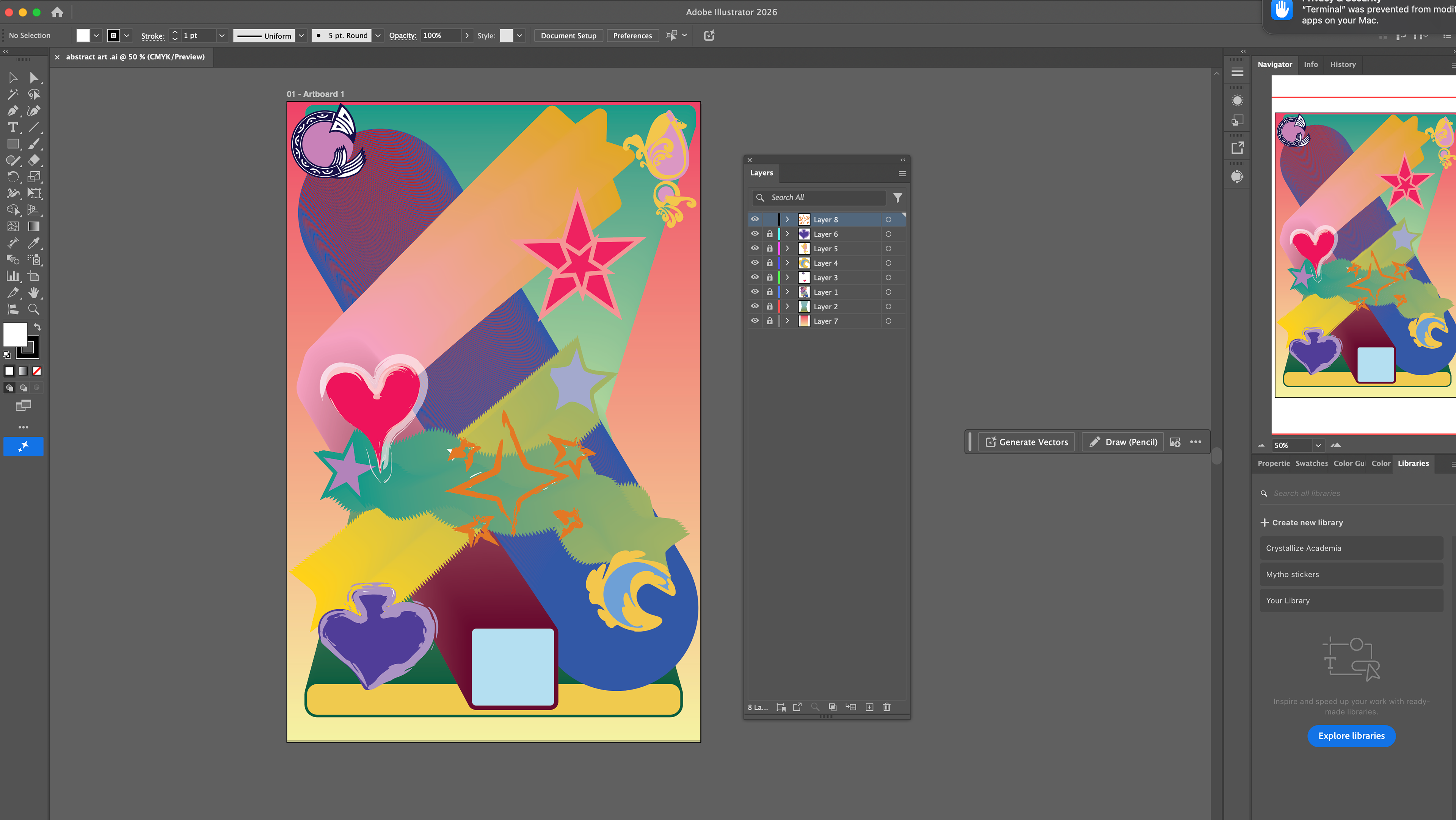
For this project, I first used the brush tool and shape tools to create shapes and patterns for the image. For some shapes, I connected them by selecting three or more shapes and going to Object, then Shape or Pattern, to create an abstract movement between the objects. This process created a gradient between the shapes due to the different colors. I then created more organic shapes, such as moons, shades, and stars, and changed the brush definition in the outline section of the shapes to create different effects and movement. Finally, I added a gradient background to tie the piece together.